



![[ New Arrival ] Porto Max Electric Scooter For Commute & Grocery Shopping - HOVSCO](http://www.hovsco.com/cdn/shop/files/PotroMax-3.jpg?v=1706927007&width=1200)
- by SteveJames
How to Choose an E-Bike Display Replacement?
- by SteveJames
E-Bikes
Accessories
 Free Shipping
 15-Day Returns
 2-Year Warranty
Free Shipping
15-Day Returns
2-Year Warranty
2-Year Warranty
Free Shipping
15-Day Returns
2-Year Warranty
Choosing an e-bike display replacement comes down to three things: matching your bike's model and variant, matching the connector and voltage your controller uses, and deciding whether you need the full display or just a bracket. On HOVSCO bikes, the BC280 LCD works across the lineup, while the HovGtrs uses its own model-specific LCD, switch, and controller parts.
The display is the only window you have into your e-bike's electrical system, and the handlebar controls are the only way you talk back to it. When either one fails, you don't just lose convenience — on most systems you lose the ability to check battery state, change assist level, or in some cases even power the bike on, since HOVSCO bikes are switched on by pressing and holding the power button on the handlebar display.
Here's a nuance most buying guides skip: the display is not a standalone gadget. It is wired into the controller, and the two components exchange data constantly. Every HOVSCO e-bike ships with a backlit BC280 LCD Smart Easy Read Display that syncs with the HOVSCO app, and the standard readout covers speedometer, odometer, trip odometer, average speed, max speed, and pedal-assist levels 1–5. Controls matter just as much as the screen: the plus and minus buttons set your assist level (levels 1–2 for gentle support on flat ground, 3–5 for hills), and holding the minus button engages walking mode for pushing the bike.
Practically, that means a working display is a range-management tool. Watching your assist level and battery readout while commuting is how you decide when to drop from level 3 to level 2 to make it home — which is exactly why choosing the right replacement matters.
Before you order any display or control part, get three rules straight, because they determine what you should buy and what you shouldn't attempt.
First, know what the warranty covers. Under HOVSCO's warranty policy, controllers carry a 1-year warranty, and water damage to the controller is explicitly excluded — a realistic failure mode if a bike is stored outside or hosed down aggressively. The overall warranty runs 2 years from purchase, and modification is listed as a non-covered condition, which is a strong argument against third-party "upgrade" controllers. Second, know the shipping rules: HOVSCO parts ship free within the continental US (displays and accessories typically ship in 1–3 business days), but parts pages note that certain items cannot be shipped to NYC, and PO Boxes aren't supported. Third, know your exact model and variant before ordering — "HovGtrs" alone isn't enough, because the series spans Evo, Pro, and Ultra battery configurations.
One more practical rule: if you're unsure whether a part fits, HOVSCO's support team handles replacement-part questions directly at support-us@hovsco.com. A two-minute email is cheaper than a return.
Start with model fitment, not screen size or price. Displays are not standardized across brands — or even across models within a brand — because each display must match its controller's connector, pin layout, and communication protocol. A mismatched unit may power on but show error codes, wrong speed readings, or nothing at all.
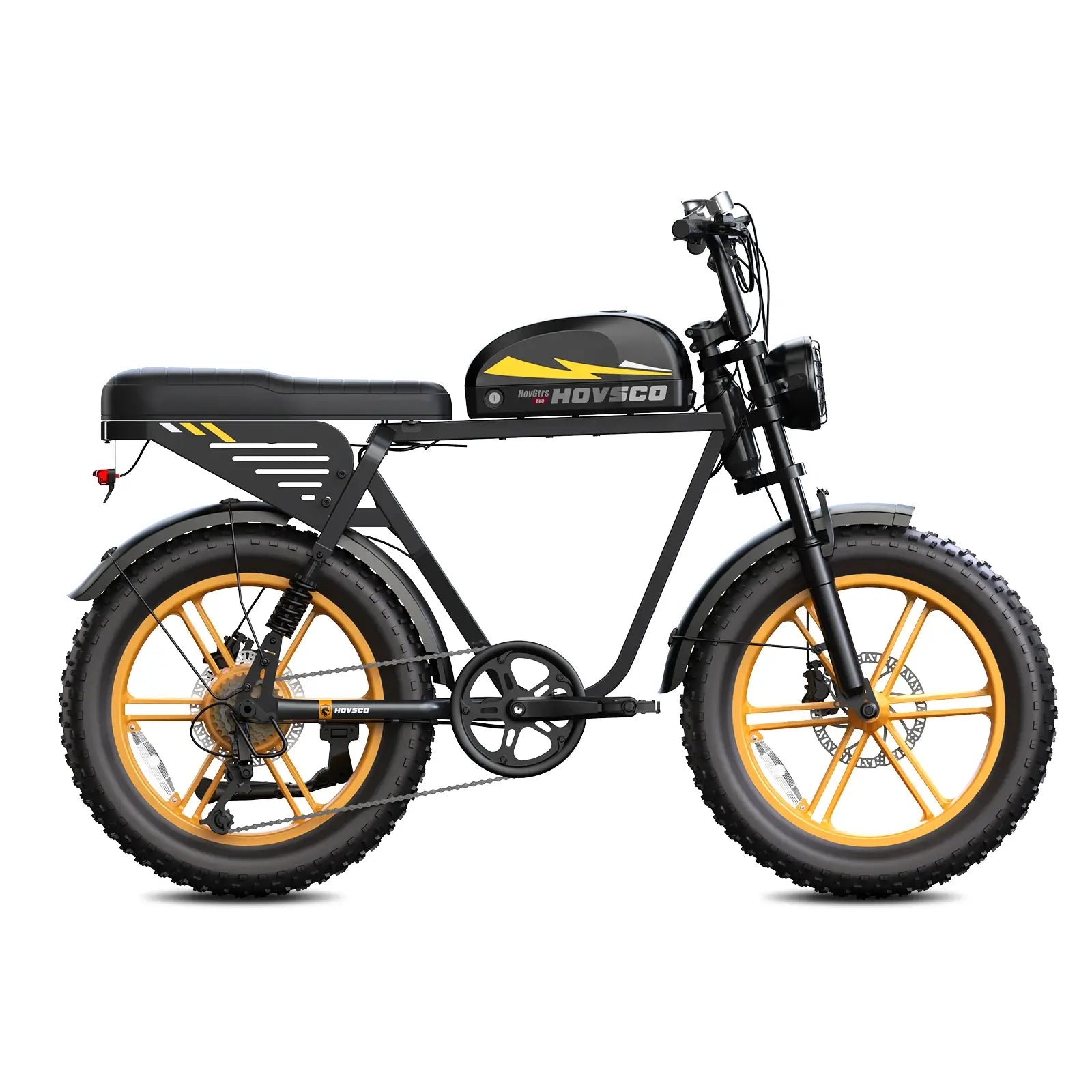
You have two legitimate paths. The first is the universal route: HOVSCO's LCD Display (Without Headlight) with Bracket is listed on hovsco.com as suitable for all HOVSCO e-bike models, priced at $99.99 at the time of writing, and it displays speedometer, odometer, trip odometer, average speed, max speed, and pedal-assist levels 1–5. The trade-off is right there in the name — it doesn't include the headlight, so if your original display integrated the headlight circuit, verify on the product page before ordering. The second is the model-specific route: the HovGtrs LCD Display is the replacement LCD for the HovGtrs and HovGtrs-Plus, as listed on the product page. It fits those bikes and only those bikes — don't try to cross it onto a HovCart or HovBeta.
Here's a nuance most buyers run into: before ordering anything, troubleshoot. A blank or flickering screen is often a loose or misaligned main connector, not a dead display. Power the bike off, unplug the display connector, check that no pins are bent, and reconnect it firmly. If the screen comes back, you've just saved yourself the cost of a part.
The screen, however, only shows what the controller sends it — which is why the controller is the next thing to understand.
Because the controller is the brain and the display is only the face. The controller regulates power flow from battery to motor based on your inputs — assist level, throttle, brake signals — and the display just reports what the controller is doing. If the two don't speak the same electrical language, the whole cockpit goes dark.
This is where I'd push back on a common assumption: that swapping a fancier display unlocks more speed or power. It doesn't. Speed and power limits live in the controller, not the screen. The HovGtrs, for example, runs a 48V electrical system with a 1500W peak / 750W sustained rear hub motor as listed on the product page, with a 32 mph maximum after unlock — a replacement display changes none of that.
If you're doing an e-bike controller replacement, the safety sequence matters. Power the bike down and disconnect the battery first, before touching any other connector. Take photos and label wires before unplugging anything — the harness typically runs display, throttle, pedal-assist sensor, motor phase wires, hall sensor cable, and battery power. Choose a replacement that matches your system's voltage (e.g., 48V), motor type, amperage, and connector types; OEM-matched parts are the safe choice because aftermarket units can require pin rearrangement inside connectors, which is easy to get wrong. Reconnect the battery last, then test throttle, pedal assist, brakes, and display before riding.
The good news: most "display problems" don't reach the controller at all. Often the fix is much smaller.
When the screen itself works but the mounting doesn't. A display that rotates under vibration, sags on bumps, or sits at a bad angle is a bracket problem, not a display problem — and treating it as a display problem means paying for electronics you don't need.
The engineering reason is simple: the bracket absorbs every handlebar vibration and every knock the bike takes, so it's the wear item in the assembly. HOVSCO's LCD Display Bracket is listed at $20.00 and is designed to hold the display panel on all HOVSCO e-bike models. Compare that with $99.99 for the complete display unit, and the diagnostic discipline pays for itself: if the readout is clear and the buttons respond, order the bracket.
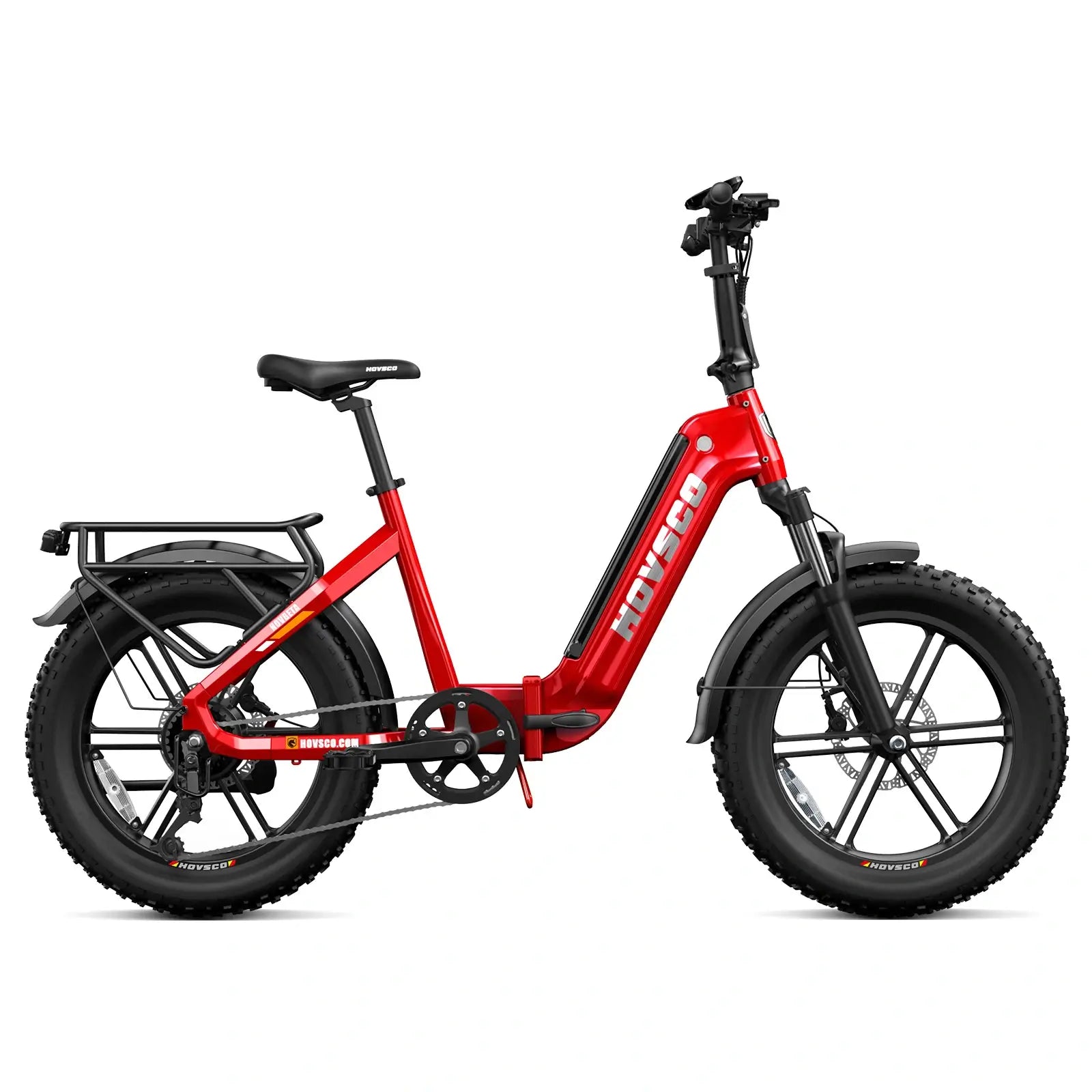
There's a second scenario worth naming: bikes that get transported frequently — on racks, in trucks, or folded into an RV like the HovBeta — put extra stress on cockpit hardware. Checking that the bracket screws are snug periodically is reasonable general maintenance.
A stable bracket also matters for safety, since a bouncing display is hard to read at speed. And while you're auditing the cockpit, the switch deserves the same attention.
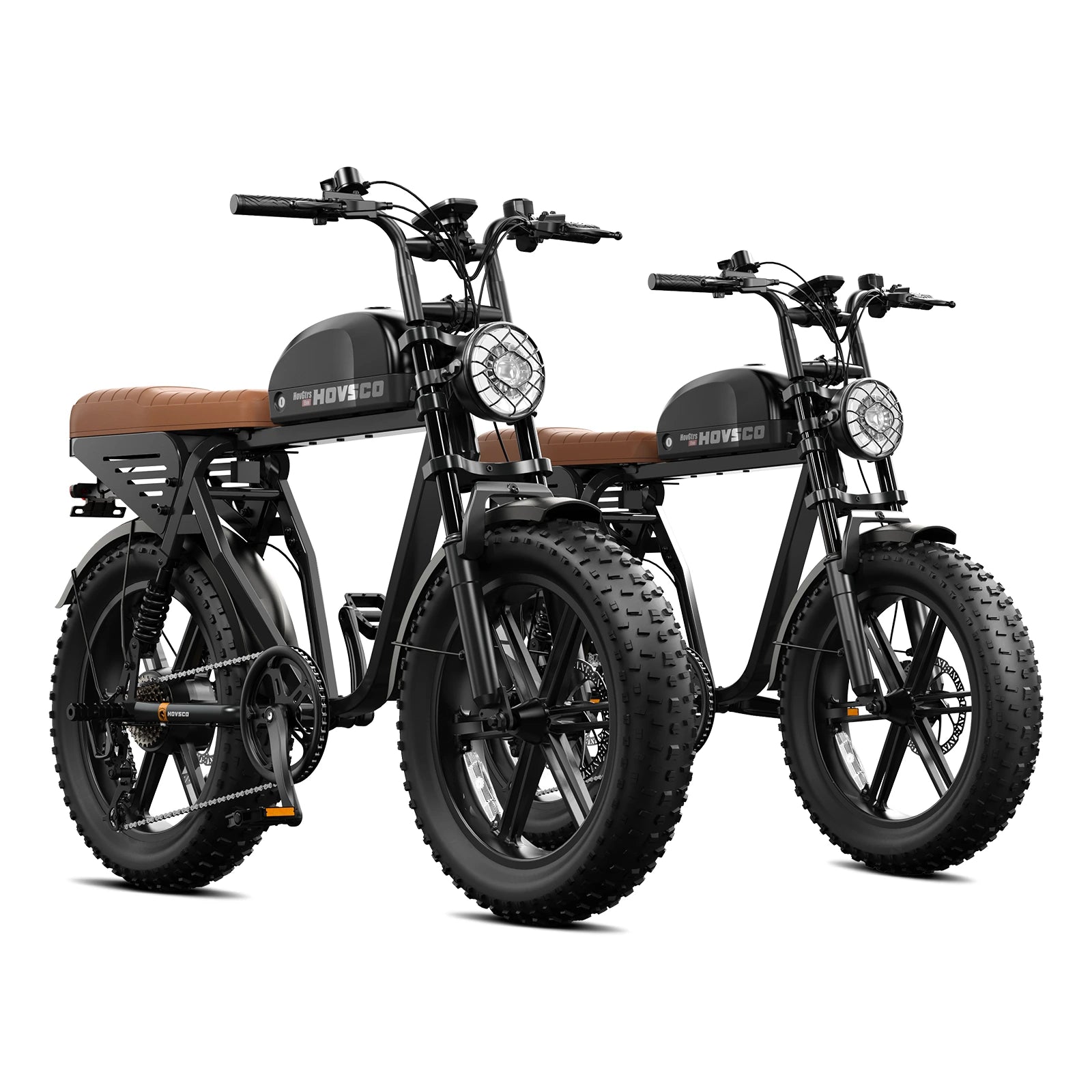
Match the switch to the model, and match the button functions to what your bike actually does. The handlebar switch is how you power on, change assist, and — on models like the HovGtrs, which integrates lighting and turn signals into its moped-style cockpit — control signals and lights. Install the wrong switch and functions simply go missing.
For HOVSCO's moped-style bikes, the HOVSCO HovGtrs Handlebar Switch is listed at $40.00 with free US shipping and easy installation, and it's the model-matched part for that cockpit. For other models, verify fitment on the product page or through the e-bike displays and controls collection before ordering — switches are the most model-specific part in the cockpit because button count and wiring both vary.
While evaluating controls, get familiar with what a complete HOVSCO control set does: five pedal-assist levels adjusted with the plus and minus buttons, walking mode by holding the minus button, and throttle on demand — the HovGtrs throttles from a complete stop, as listed on its product page. Knowing these functions helps you verify that a replacement switch actually works after installation, before you ride.
Use this table to match the part to the job. Prices are as listed on hovsco.com at the time of writing and may change.
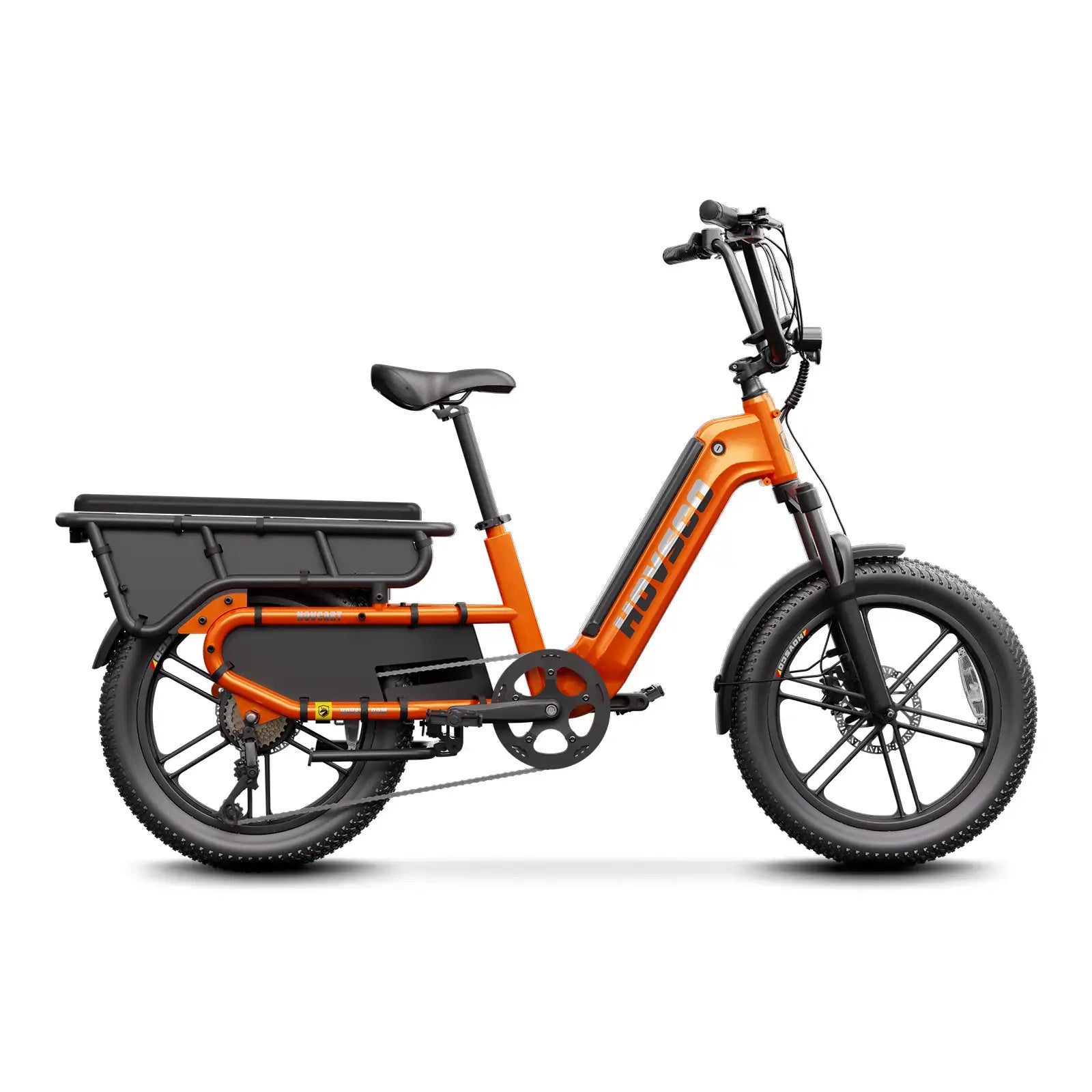
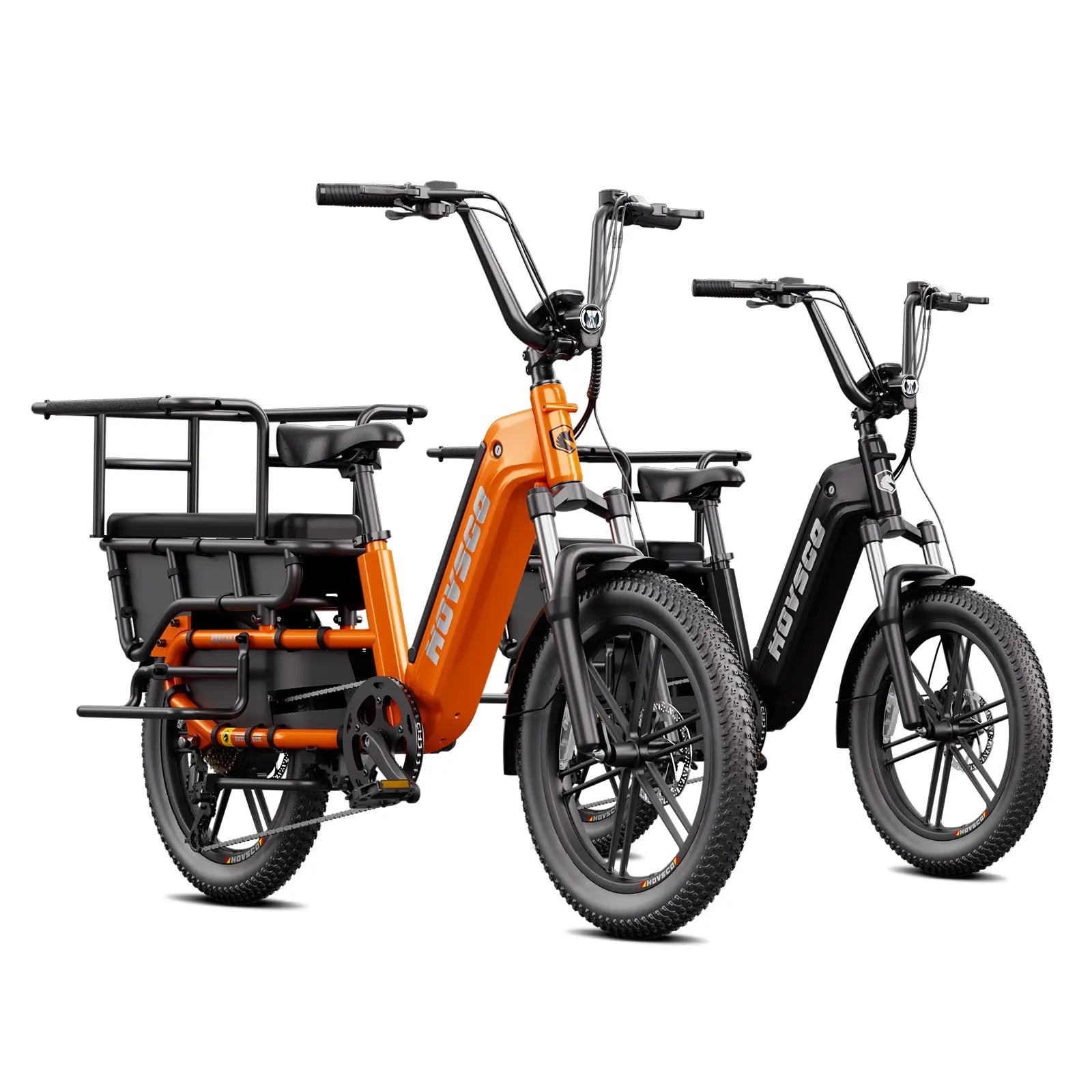
For context on the bikes these parts serve: the HovCart ships with the BC280 LCD with app sync, a 1300W peak motor, and a 450 lb payload rating; the HovGtrs ships with the same BC280 display platform plus a 1500W peak / 750W sustained 48V motor, 32 mph top speed after unlock, and 65–150 miles of pedal-assist range depending on battery configuration.
Confirm your exact model and variant (e.g., HovGtrs Evo, Pro, or Ultra) — display and switch compatibility follows the model, not the brand.
Photograph the connector before unplugging anything, so you can compare pin layouts if a question comes up.
Diagnose before buying: re-seat the main display connector first, since blank screens are often connection issues, not dead displays.
Match the electrical side: any controller-related part must match your system's voltage, amperage, and connector types — never assume a sibling model's part fits.
Verify current availability, price, and NYC shipping restrictions on the product page, or email support-us@hovsco.com with your bike's model number before ordering.
From an engineering standpoint, the cockpit is best understood as one system — display, switch, throttle, and controller are designed to work as a matched set, which is why model-matched replacement parts are the low-risk path. HOVSCO's engineering approach pairs the BC280 display with app connectivity across the lineup so riders get consistent readouts and ride tracking whether they're on a cargo bike like the HovCart or a moped-style HovGtrs.
Our general guidance as a team: keep electrical repairs boring. Disconnect the battery first, label wires, use OEM-matched parts, and test everything stationary before you ride. The riders who avoid problems aren't the ones with the most tools — they're the ones who verify compatibility before clicking "buy."
Knowing how to choose an e-bike display replacement is mostly about restraint: confirm the model, confirm the connector, and confirm whether you need the display, the bracket, or neither. The key takeaways:
Match the part to the model first — the universal HOVSCO LCD display covers all HOVSCO e-bike models, while HovGtrs and HovGtrs-Plus use their own LCD.
Diagnose before replacing; a loose connector mimics a dead display.
A $20.00 display bracket solves a loose screen; you only need the $99.99 display when the readout itself fails.
Controller work is voltage-and-connector territory: disconnect the battery first, match specs exactly, and remember water damage is excluded from the controller's 1-year warranty coverage.
When in doubt, email support-us@hovsco.com with your model number before ordering.
If you're sorting out your cockpit, browse HOVSCO's e-bike displays and controls collection for model-matched parts — or the full e-bike accessories and parts range for everything else your bike needs.
How do I choose an e-bike display replacement that fits my bike?
Match the part to your exact model first. HOVSCO's LCD Display (Without Headlight) with Bracket is listed as suitable for all HOVSCO e-bike models, while the HovGtrs LCD Display fits only the HovGtrs and HovGtrs-Plus. Confirm your variant on the product page or with HOVSCO support before ordering, and check the connector matches your wiring.
Will a new LCD display make my e-bike faster or more powerful?
No. The display only reports data; speed and power limits are set by the controller. The HovGtrs, for example, reaches its listed 32 mph maximum after unlock with its 1500W peak / 750W sustained 48V motor regardless of which display unit is installed. A clearer, backlit screen improves readability and app connectivity, not performance.
Can I replace the display bracket myself?
Yes. The HOVSCO LCD Display Bracket ($20.00 as listed) is designed to hold the display panel on all HOVSCO e-bike models, and swapping it is basic hand-tool work. Power the bike off first, support the display while loosening the mount, and check that the screen sits at a readable angle and doesn't rotate under vibration before riding.
What's the difference between the HOVSCO LCD display and the HovGtrs LCD display?
The HOVSCO LCD Display (Without Headlight) with Bracket is the universal unit, listed as suitable for all HOVSCO e-bike models and showing speed, odometer, trip, average and max speed, and pedal-assist levels 1–5. The HovGtrs LCD Display is the model-specific replacement for the HovGtrs and HovGtrs-Plus and should not be used on other models.
Is the e-bike controller covered by HOVSCO's warranty?
Yes, for one year under HOVSCO's warranty policy — but water damage to the controller is explicitly excluded, as is damage from modification. If you suspect a controller fault, contact support-us@hovsco.com before buying parts, and remember that controller replacement requires matching your system's voltage, amperage, and connectors exactly.
Share:
How Much Does an Electric Bike Weigh? A Complete Breakdown
What Are the Best Electric Bikes for Short Riders?